Before and after cleanup
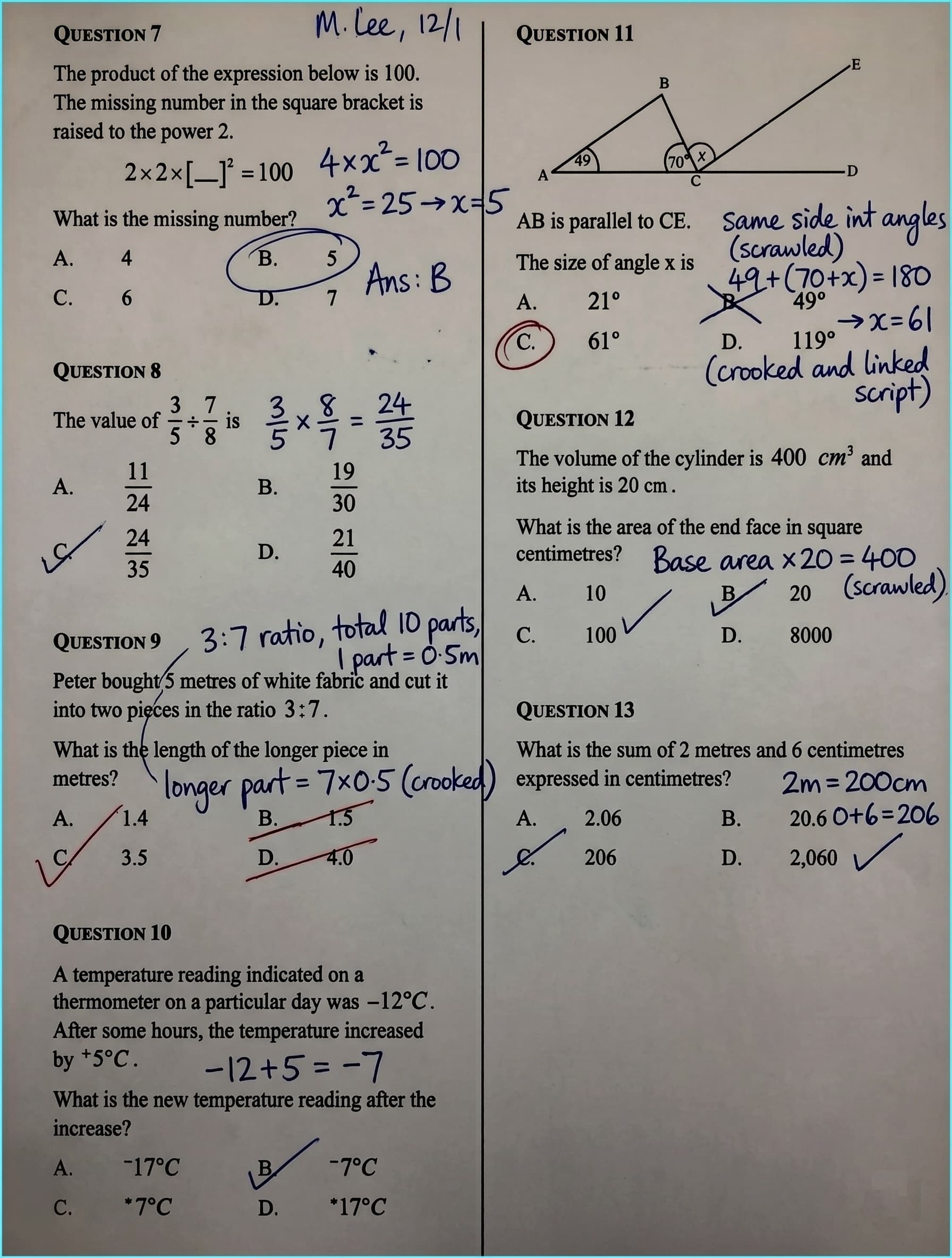
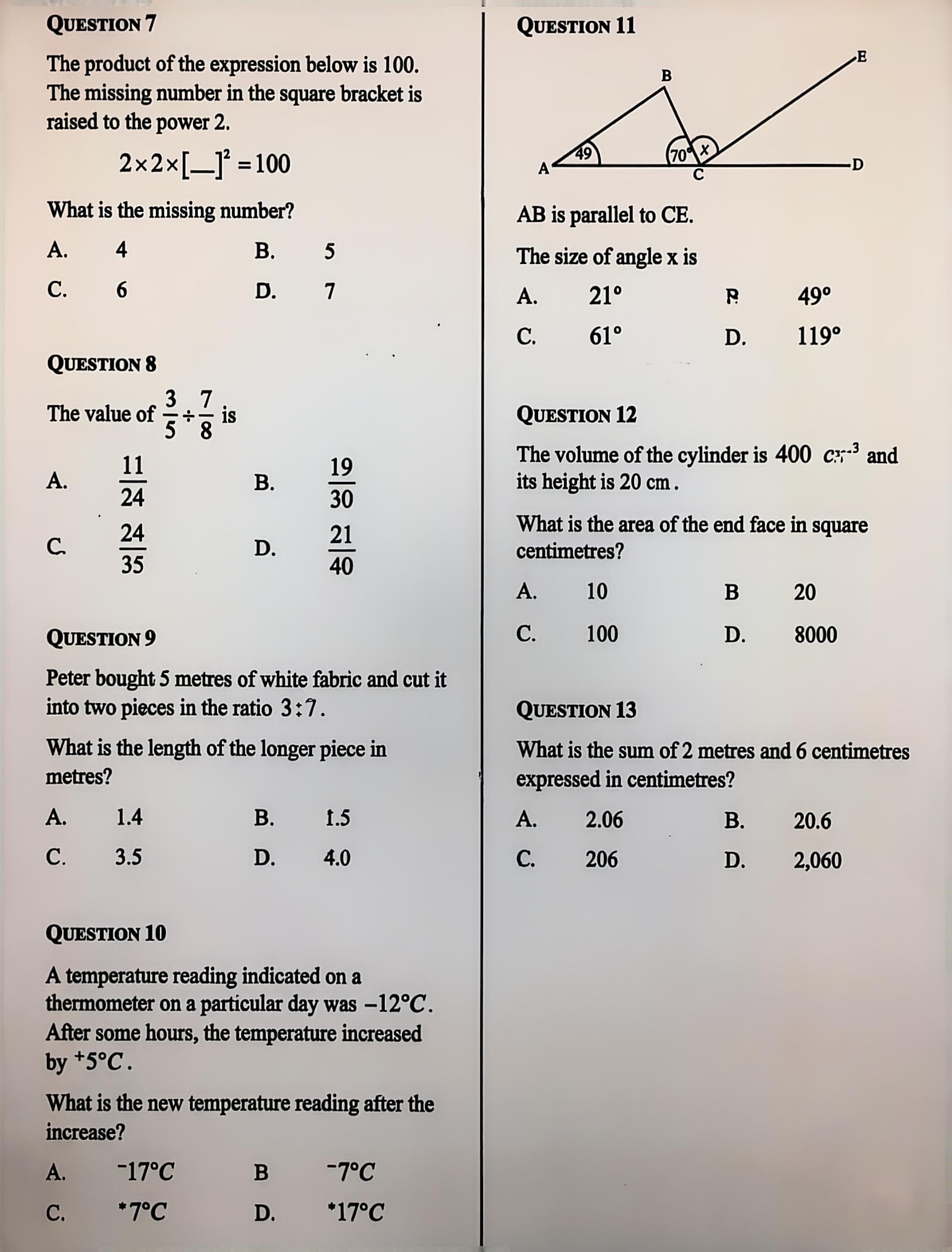
Detect handwriting
Preserve layout
Create a clean result
Remove handwriting from images and PDFs.
Erase handwriting from images, PDFs, and scans — answers, annotations, signatures, circles, and doodles — while preserving printed text, tables, and layout. Pages are auto-straightened and trimmed, and clear inputs usually produce steadier results.
Free image cleanup
No card needed
Before & after
See real results instantly
Upload a real image or scan and test the result for free.
Free PDF Tools
No login required. Split, merge, and convert PDFs before cleanup. Use handwriting cleanup when you need to erase handwritten content.
Choose the right entry for your file.
Single images, batches, and PDF pages all use the same reliable standard cleanup flow.
Everyday image cleanup
Single image cleanup
- Best for simple marks and clear scans
- Fast results
- 1 credit per image
Multiple images
Batch cleanup
- Process multiple JPG, PNG, or WEBP files
- Download successful results as a ZIP
- Failed items are refunded automatically
Multi-page documents
PDF page cleanup
- Select only pages with handwriting
- Unselected pages stay untouched
- 1 credit per selected page
Fast, accurate handwriting removal for documents.
Upload exams, contracts, forms, or scans — the AI erases handwriting and keeps the printed layout for a clean, usable result.
01 Erase handwriting
Erase ink, keep print
Removes handwritten answers, signatures, comments, and circles while preserving printed text, tables, and graphics.
02 Correct geometry
Deskew and trim edges
Straightens skewed photos and scans and trims excess edges.
03 Clean background
De-gray and denoise
Reduces uneven gray cast and camera color shifts for a cleaner base.
See the cleanup on real documents
These are real documents run through the tool — worksheets, receipts, invoices and more. Drag the slider on each one to compare before and after the handwriting was removed.
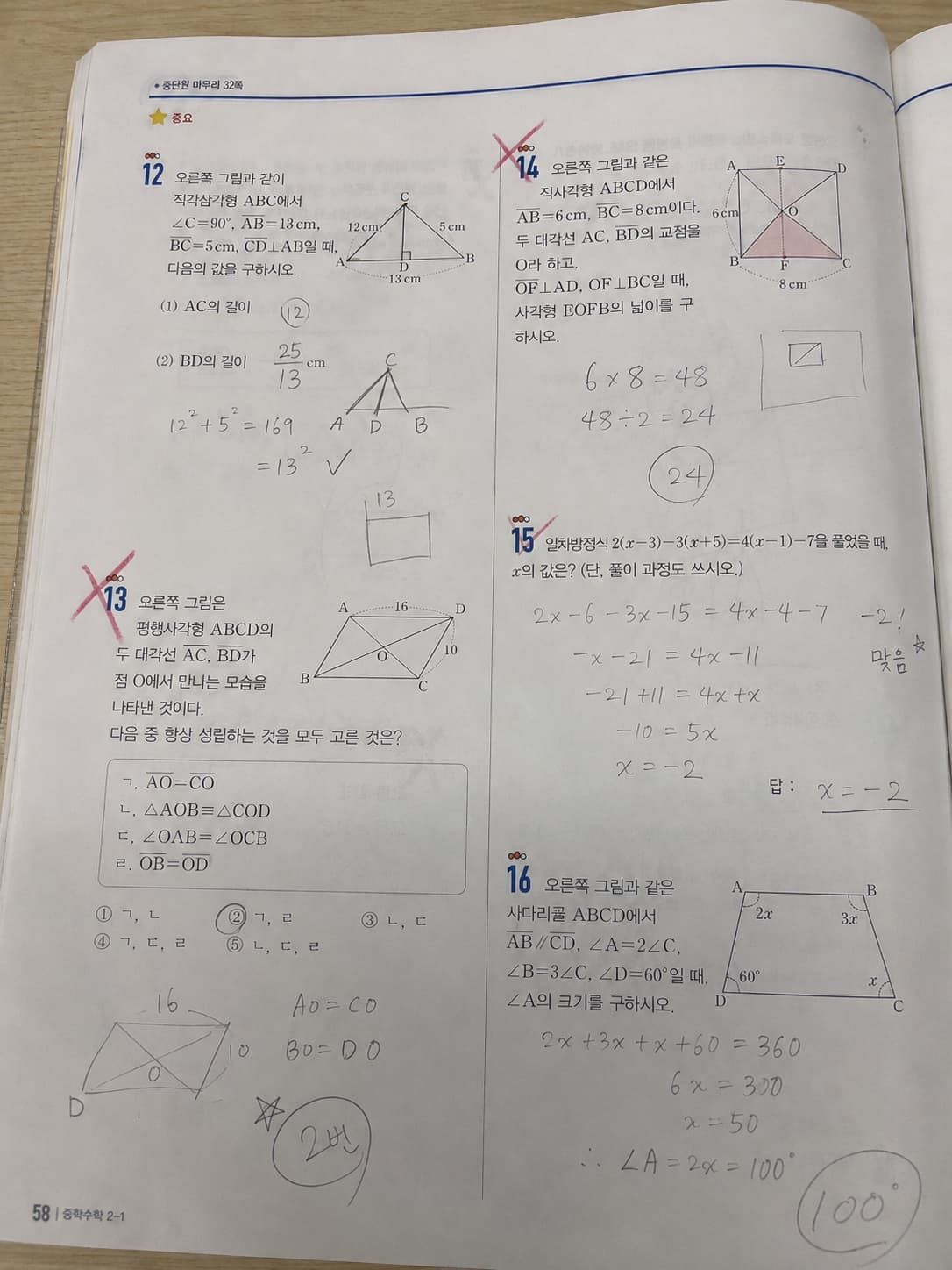
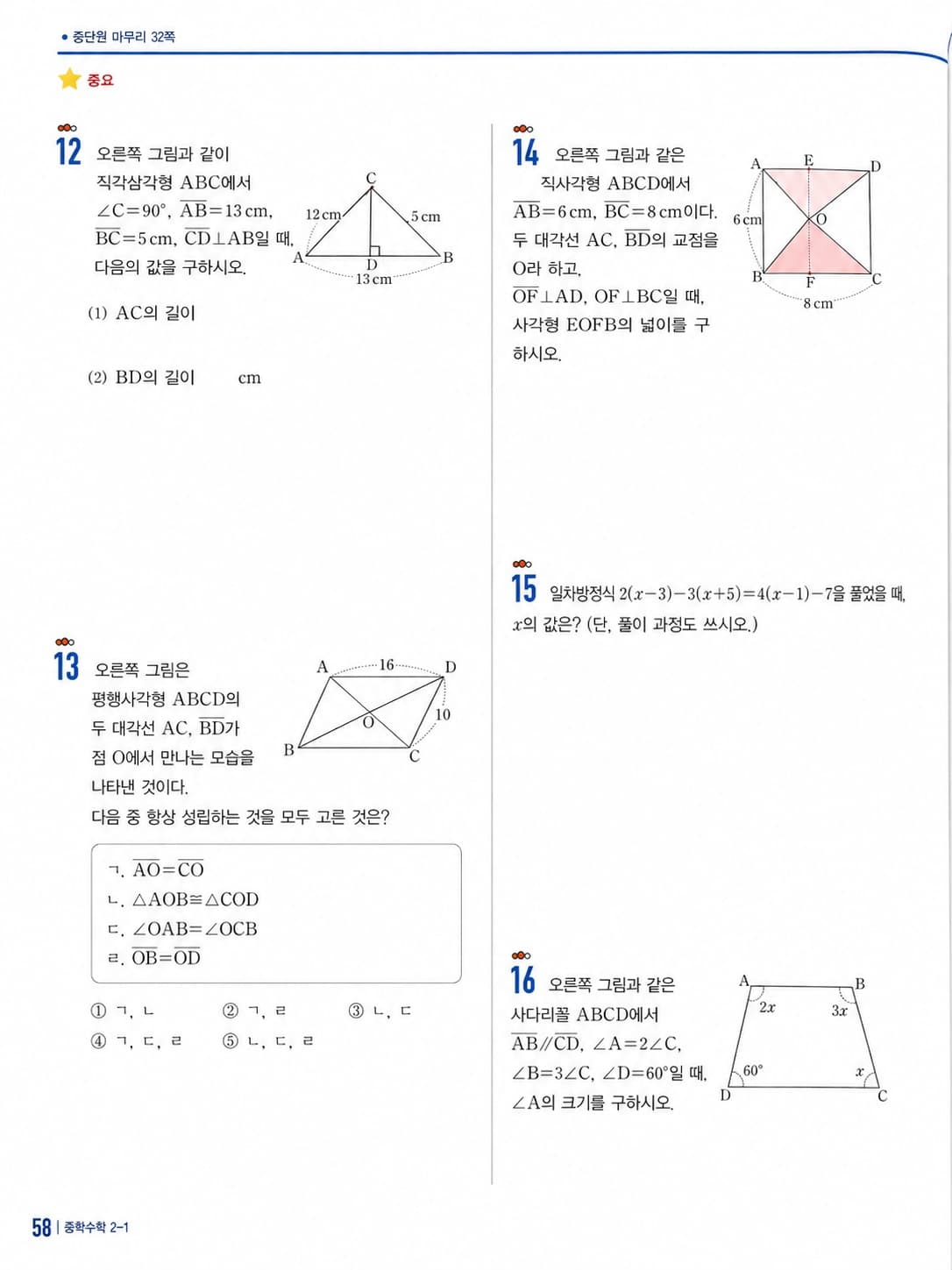
Math workbook · handwritten work and red-pen marks removed
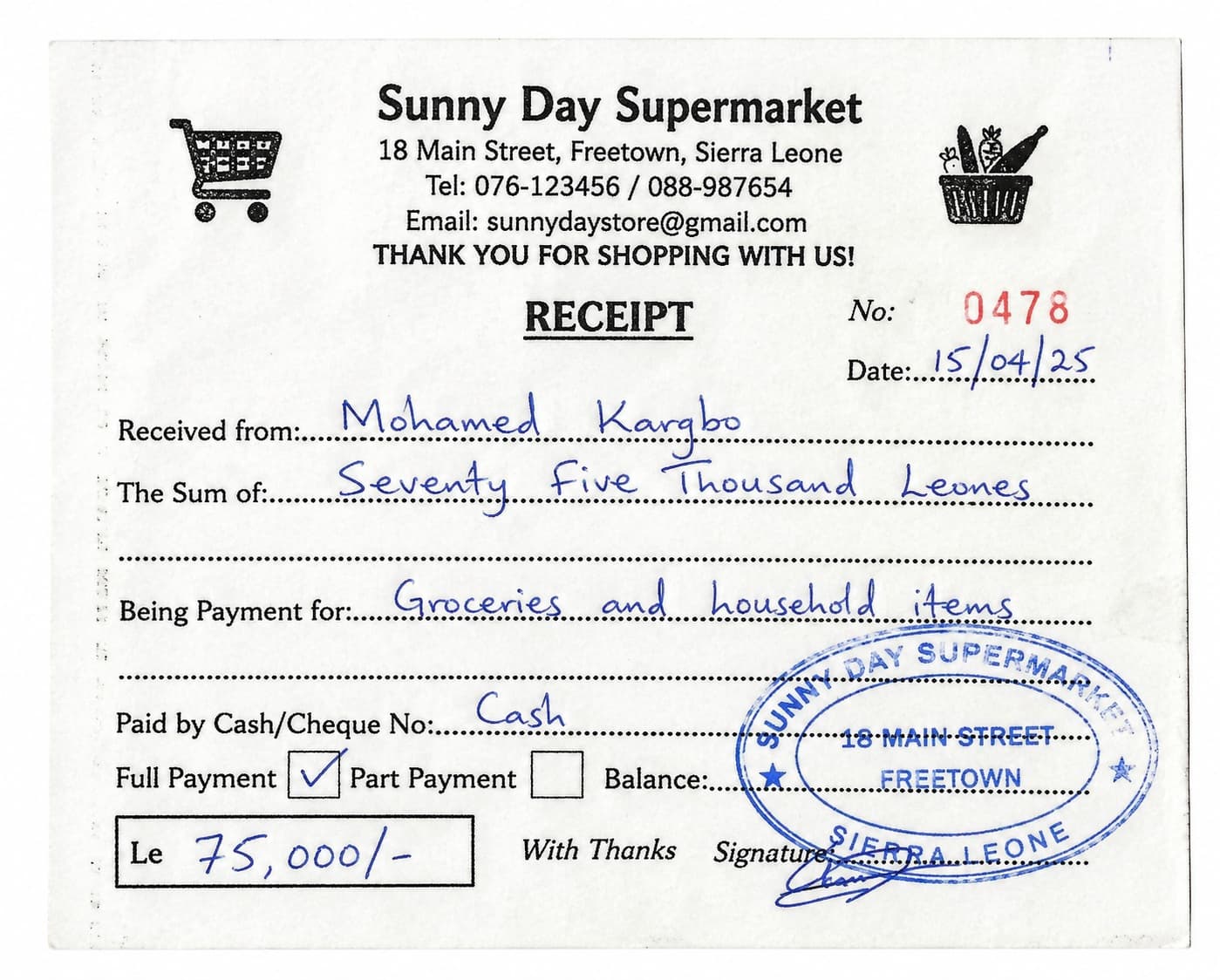
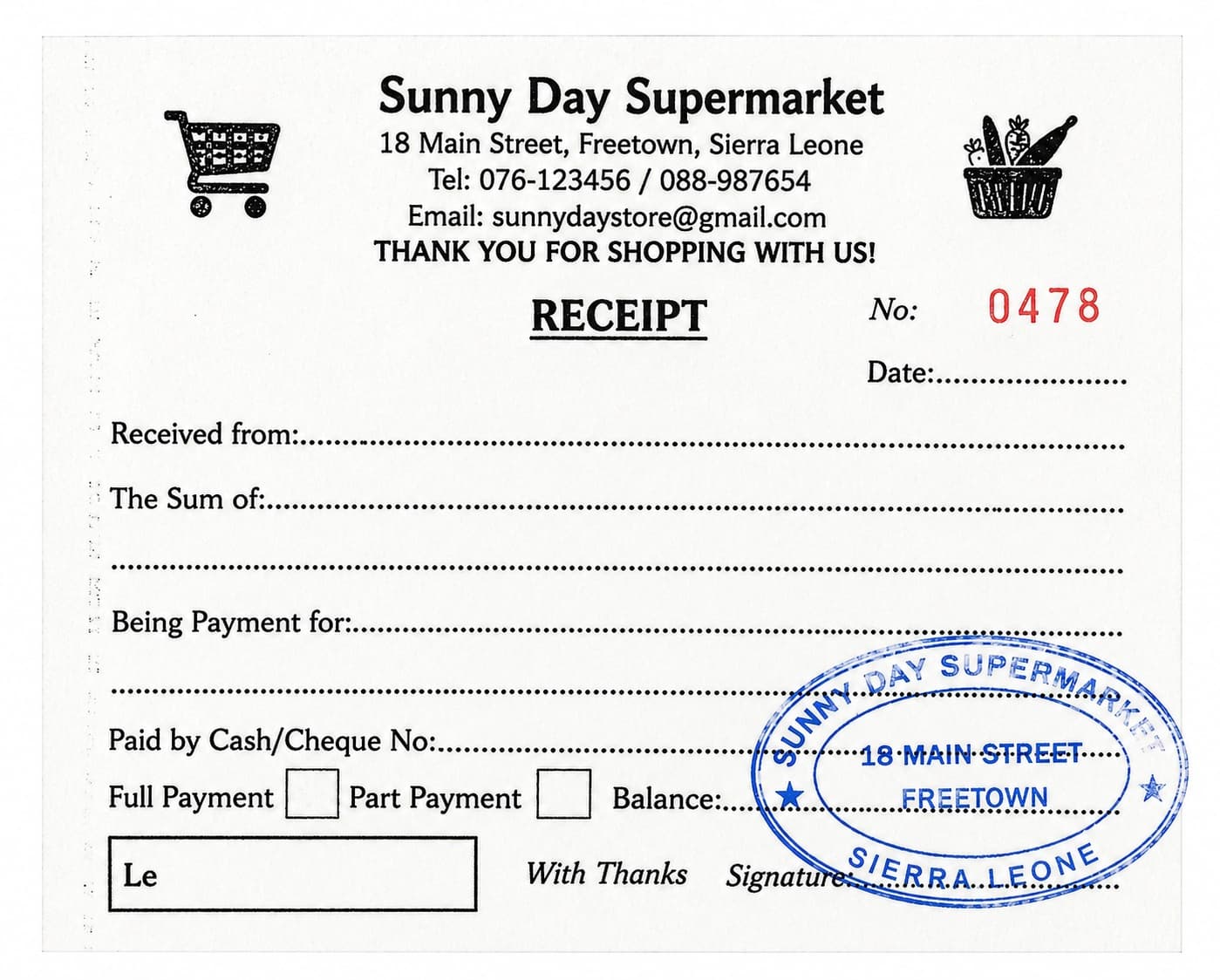
Payment receipt · restored to a clean blank form
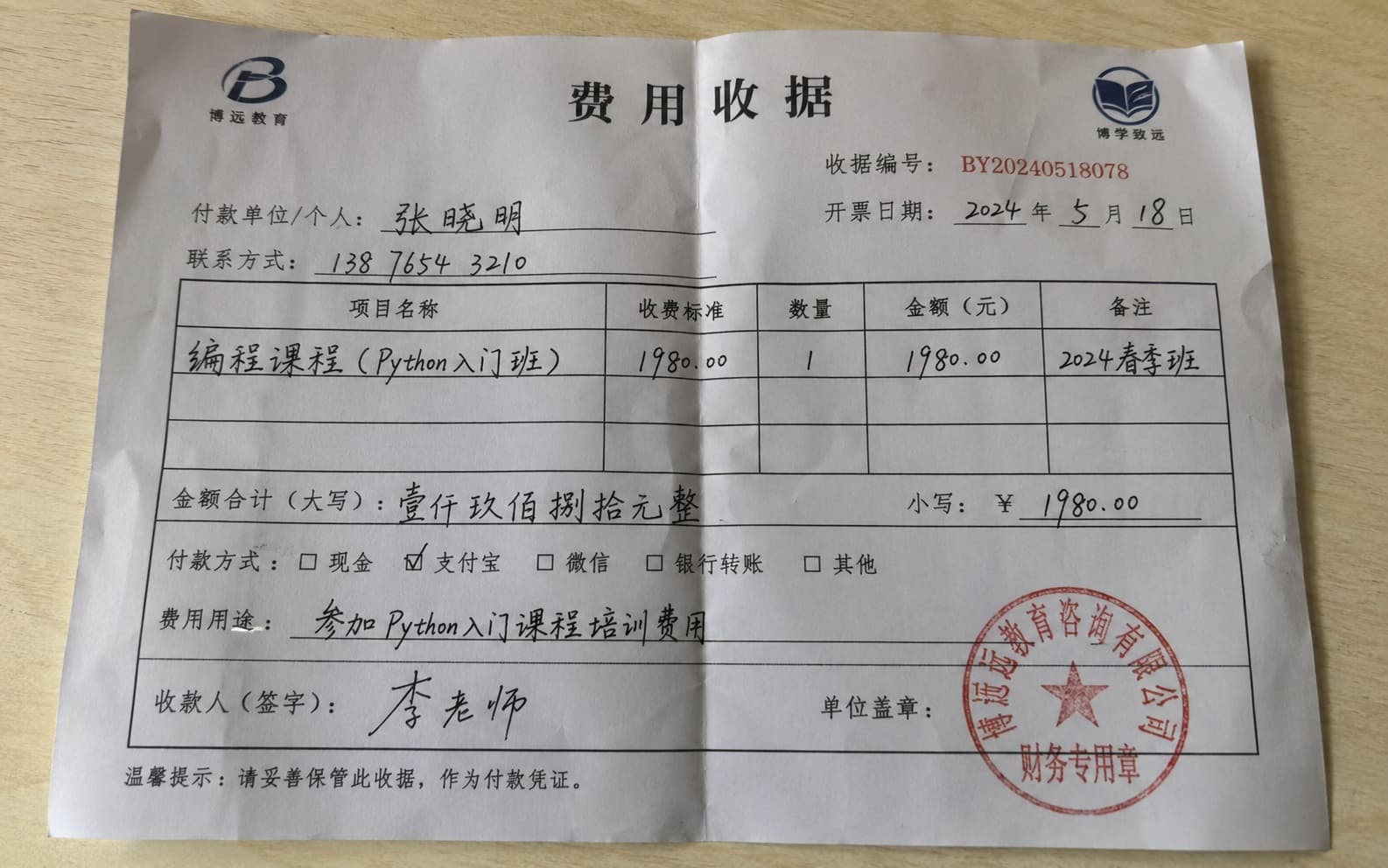
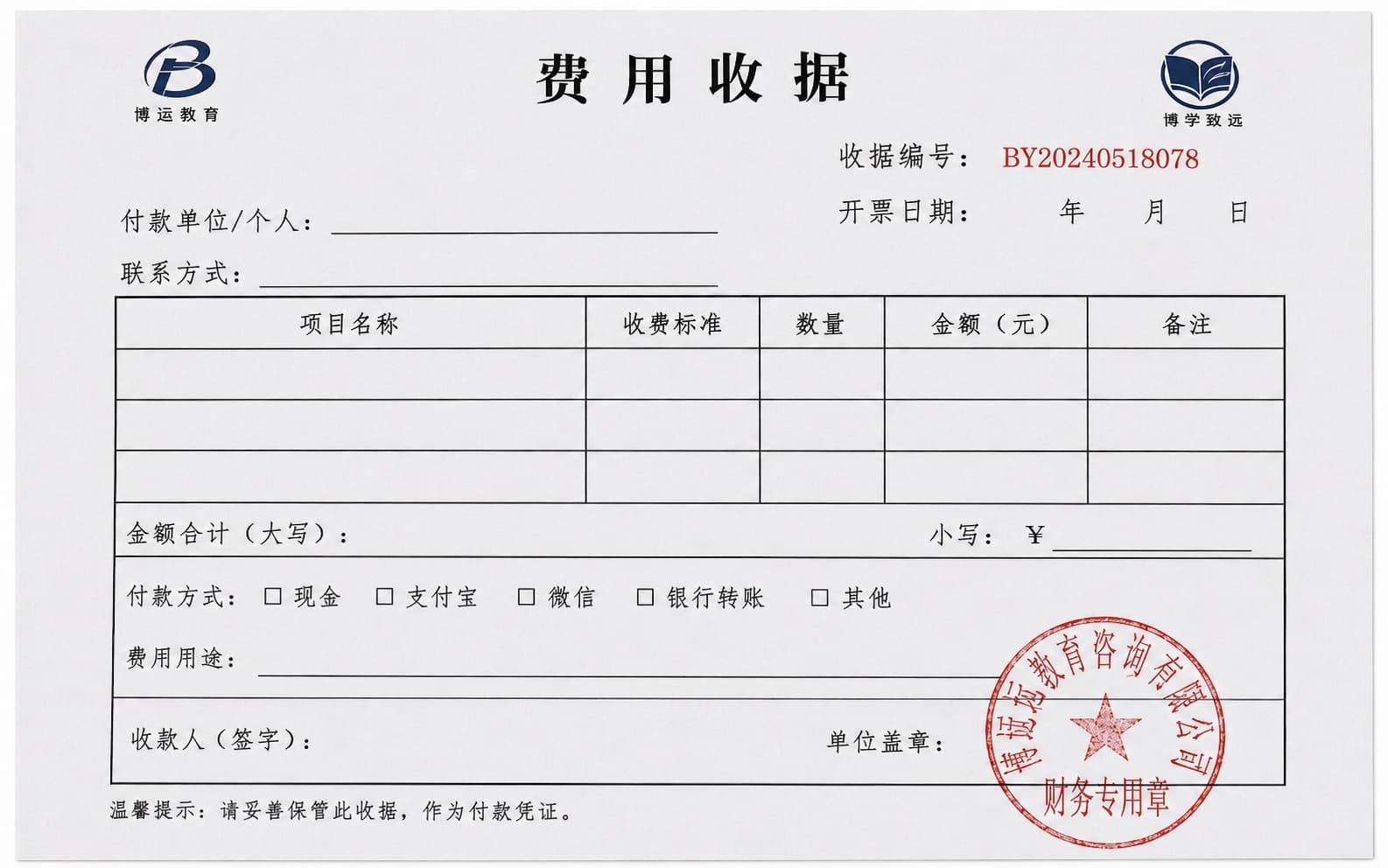
Tuition fee receipt · handwritten entries erased
Erase handwriting in three steps.
From upload to download, the workflow stays simple. Prepare a clear photo or scan, then let the system handle detection, erasing, and enhancement.
Start processingStep 01
Upload an image or scan
Use worksheets, practice pages, photos, or scans. Clear, complete, unobstructed pages usually produce steadier results.
Step 02
Run standard cleanup
Clean handwritten answers, comments, and notes with cropping, correction, and background enhancement.
Step 03
Preview and download
Get a cleaner, more organized result that is ready for review, printing, archiving, or reuse.
Handwriting removal for every kind of document.
See how our removal tools fit into your everyday workflow.
Clean used worksheets
Remove handwritten answers, red-pen marks, circles, and notes from worksheet photos or scans while keeping printed questions and layout.
Clean worksheetsRemove pen marks from scanned documents
Clean handwritten annotations, signatures, circles, margin notes, and stray pen marks from scanned contracts, reports, photocopies, and archived documents.
Clean scanned documentsForms, receipts, and paperwork
Clean handwritten notes, checkmarks, initials, and pen marks from scanned forms, applications, receipts, invoices, and office paperwork.
Clean form handwritingFAQ
Quick answers about file formats, cleanup quality, processing time, and plan differences.
Free to try
Test real results before you pay — no credit card needed.
Refunded if it fails
You're only charged for successful results; failed jobs are refunded automatically.
Your files stay private
Originals are deleted after processing; signed-in results are kept up to 3 days, then removed.
Secure checkout
Payments are handled by Creem over an encrypted connection.
Test it with a real image or scan.
Use handwriting cleanup when you need to clean answers, notes, and corrections. Use the free PDF tools when you only need to organize PDFs.